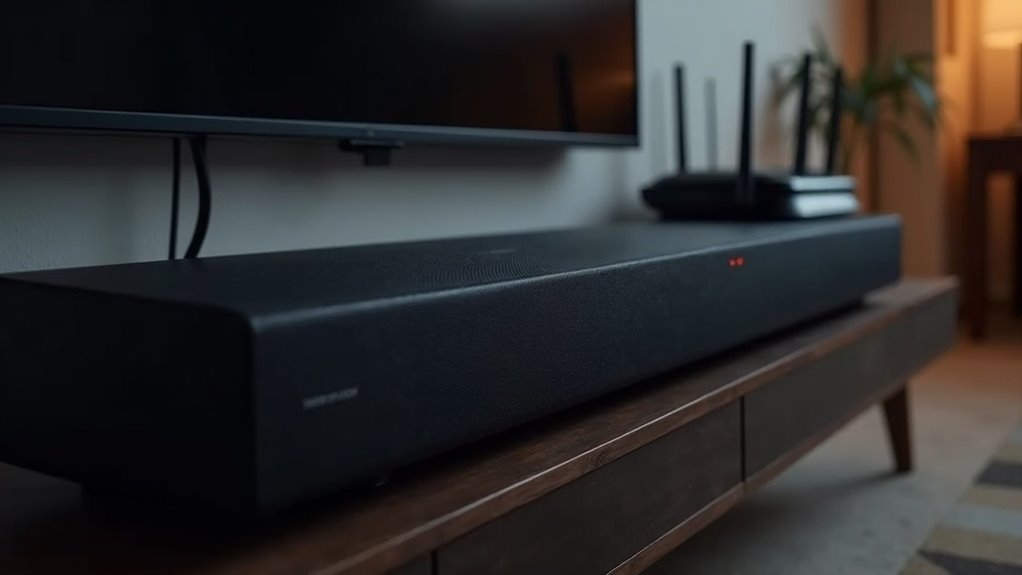
If your soundbar disconnects from Wi-Fi, it could be due to interference from other devices, bandwidth issues caused by multiple competing connections, or outdated firmware. Additionally, incorrect settings—like an incorrect password or network band—can lead to disconnections. Physical barriers may also weaken the signal. Regular maintenance of your router, including firmware updates and optimal positioning, can improve stability. For more detailed troubleshooting insights specific to soundbars, you’ll find additional helpful information ahead.
Key Takeaways
- Wireless interference from devices like microwaves and cordless phones can disrupt soundbar connectivity.
- Multiple devices using the same Wi-Fi can strain bandwidth, leading to disconnections for your soundbar.
- Outdated firmware on the soundbar or router can cause compatibility issues, resulting in dropped connections.
- Incorrect Wi-Fi settings, such as incorrect passwords or network bands, can prevent stable connectivity for your soundbar.
- Physical obstructions between the soundbar and router can weaken the Wi-Fi signal, causing disconnections.
Common Causes of Wi-Fi Disconnection in Soundbars
When your soundbar disconnects from Wi-Fi, several common causes could be at play.
Interference from other wireless devices, like cordless phones or microwaves, can disrupt the signal strength of your Wi-Fi network. Additionally, if multiple devices are using the same connection, insufficient bandwidth may lead to unstable connections.
Interference from cordless phones or microwaves can weaken your Wi-Fi signal, especially with multiple devices connected.
Outdated firmware on your soundbar can also create compatibility issues, so it’s essential to check for updates regularly.
Incorrect Wi-Fi settings, such as entering the wrong password or connecting to the wrong network band, may prevent a stable connection.
Finally, physical obstructions can weaken the Wi-Fi signal, causing disconnections.
Impact of Bandwidth on Soundbar Connectivity
Although you mightn’t realize it, the bandwidth available on your network plays an essential role in your soundbar’s connectivity. Proper bandwidth management is vital for ensuring a stable Wi-Fi signal, especially when multiple devices are active.
High-bandwidth activities like streaming video can consume available bandwidth, leading to connection drops for your soundbar. If several devices compete for bandwidth, you may experience slower speeds and increased disconnections, which can affect your audio experience.
Consider using Ethernet connections for high-bandwidth devices to free up Wi-Fi capacity for your soundbar. Regularly monitoring network activity can help identify bandwidth hogs, optimizing performance and minimizing disconnection issues to ensure you enjoy the best sound quality from your soundbar.
Importance of Router Maintenance and Updates
To ensure a stable connection for your soundbar, it’s crucial to focus on router maintenance and updates. Regular upkeep can prevent disconnections and enhance the performance of your audio experience.
Here are some key actions to consider:
- Periodically reboot your router to refresh the network and maintain a strong connection.
- Keep your router’s firmware updated to fix bugs and enhance overall stability.
- Adjust antenna positions or change the wireless channel to minimize interference that could disrupt audio streaming.
- Monitor bandwidth usage to ensure your soundbar receives adequate resources for optimal performance.
If you experience any issues, don’t hesitate to reconnect your soundbar or try connecting again after completing these maintenance steps.
A well-maintained router is essential for seamless soundbar operation and overall network reliability.
Solutions for Reducing Wireless Interference
Reducing wireless interference is essential for maintaining a stable connection between your soundbar and Wi-Fi network.
To optimize your soundbar’s performance, position it and your router away from potential sources of interference such as microwaves, cordless phones, and Bluetooth devices.
Position your soundbar and router away from microwaves, cordless phones, and Bluetooth devices to enhance performance.
When using a dual-band router, opt for the 5.0 GHz band, as it typically experiences less congestion and offers improved performance for audio streaming.
Regularly check and adjust your router’s wireless channel settings to avoid overlapping frequencies with neighboring networks.
If your soundbar continues to experience disconnections, consider implementing Wi-Fi extenders or mesh systems to enhance coverage.
Lastly, keep an eye on the number of devices connected to your network; a factory reset of your soundbar or router might be necessary if connectivity issues persist.
When to Seek Professional Service for Your Soundbar
Even after optimizing your soundbar’s connection by addressing wireless interference, you may still encounter persistent disconnections.
If you’ve recently purchased your soundbar and have tried standard troubleshooting without success, it may be time to seek professional service.
Consider contacting a technician if:
- Your soundbar frequently disconnects after firmware updates.
- It fails to maintain a stable connection despite having the correct settings.
- You experience issues with low bass or overall audio quality.
- All DIY troubleshooting methods have been exhausted without any improvement.
Engaging a professional can ensure that any underlying hardware or software issues are accurately diagnosed and resolved, enhancing your overall soundbar experience.
Don’t hesitate to reach out for assistance!







