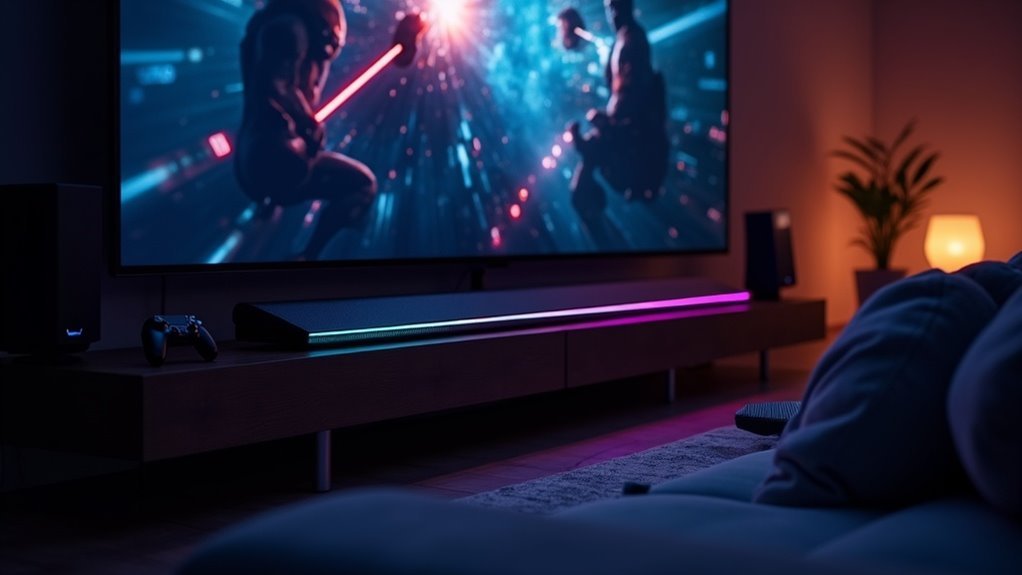
Game Mode alters your soundbar audio settings to enhance in-game performance. It automatically prioritizes game audio by adjusting profiles for clearer dialogue and improved sound effects. This can often result in the loss of your preferred settings, leading to muffled audio. Furthermore, Game Mode may limit access to certain sound options, which can be frustrating for users. To enhance your soundbar experience while in Game Mode, consider exploring additional details and solutions tailored to optimizing soundbar performance.
Key Takeaways
- Game Mode optimizes audio for gaming by automatically switching soundbar profiles, enhancing dialogue clarity and immersive sound effects specifically for gaming experiences.
- When Game Mode is activated, it may restrict access to your preferred audio settings, which can lead to frustration for users seeking a customized audio experience with their soundbars.
- HDMI-CEC features can trigger automatic audio adjustments in soundbars, further limiting customization options while in Game Mode.
- The sound quality may decrease, resulting in muffled audio, especially when using built-in TV speakers in conjunction with soundbars during Game Mode.
- Audio latency issues can occur, causing sound effects to lag behind visuals, despite Game Mode’s intention to reduce input lag for gameplay.
Understanding Game Mode Functionality
When you activate Game Mode on your TV, it’s designed to enhance your gaming experience by optimizing both visual and audio performance. This setting considerably reduces input lag, allowing for a more responsive gameplay environment.
However, it may also default your sound output to Game Mode audio, which prioritizes low latency over overall sound quality, potentially affecting your soundbar’s performance. The HDMI-CEC feature often triggers this automatic switch, leading to unintended audio adjustments that mightn’t leverage your soundbar’s full capabilities.
Additionally, some TVs limit your ability to customize sound settings while in Game Mode, which can result in poor audio quality, particularly when using external sound systems like soundbars.
It’s essential to be aware of these settings to ensure you’re getting the best audio experience while gaming.
The Impact of Game Mode on Sound Settings
Although Game Mode significantly enhances visual performance and reduces input lag, it can inadvertently disrupt your soundbar’s audio settings.
When you activate Game Mode, your soundbar’s audio profiles may switch to configurations optimized for gaming, often neglecting your preferred settings like Adaptive or Surround. This automatic adjustment can lead to muffled audio, especially if you’re relying on built-in TV speakers, which typically lack the clarity and depth of a dedicated soundbar system.
Activating Game Mode can unintentionally switch your soundbar’s settings, leading to muffled audio and neglecting your preferred audio profiles.
Additionally, Game Mode may restrict access to sound settings on your soundbar, complicating necessary adjustments for an optimal audio experience.
It’s essential to verify compatibility between your soundbar and Game Mode to avoid distortion or reduced sound quality during gameplay.
Audio Latency and Gaming Experience
When you engage Game Mode on your soundbar, you’ll notice a significant reduction in input lag, which is crucial for competitive gaming.
However, this can come at the cost of audio latency, potentially resulting in sound effects lagging behind on-screen action, disrupting your immersion.
Balancing these trade-offs between low latency and sound quality is essential for optimizing your gaming experience with your soundbar.
Input Lag Impact
Given that input lag can significantly affect your gaming experience, understanding the impact of audio latency on soundbars is crucial.
When you activate Game Mode on your soundbar, it optimizes audio and video processing to reduce input lag, which is vital for competitive gameplay. This mode often prioritizes audio formats that minimize latency, potentially adjusting sound settings for optimal performance.
Even milliseconds of delay can disrupt your timing in fast-paced games. You may notice enhanced audio clarity and synchronization with visuals, which boosts immersion.
Additionally, features built into your soundbar can automatically adapt audio settings, ensuring responsive gameplay that meets your gaming needs.
Sound Quality Trade-offs
While Game Mode enhances your gaming experience by reducing input lag, it often compromises sound quality when using soundbars. You may encounter:
- Audio distortion or muffling with your soundbar.
- Limited access to fine-tune audio settings for optimal sound performance.
- A focus on audio latency rather than sound fidelity.
- Decreased effectiveness of 3D audio features when paired with external sound systems.
- The need for frustrating manual adjustments each time you switch modes.
These trade-offs can detract from the immersive audio experience that’s crucial in gaming.
Common Audio Issues in Game Mode
When you activate Game Mode on your soundbar, you may notice automatic sound mode switching that disrupts your audio experience.
This often results in muffled sound quality, particularly if your setup includes specific soundbar models.
Additionally, the inability to access sound settings during gameplay complicates any adjustments you might want to make for ideal audio performance.
Automatic Sound Mode Switching
As you engage in gaming with your soundbar, the automatic switching to Game Mode audio settings can greatly disrupt your experience, especially when transitioning between different types of content.
This feature, although designed to enhance performance, often presents several challenges:
- You can’t access Adaptive, Surround, or Standard modes when Game Mode is activated.
- Manual adjustments are required each time you switch to Game Mode.
- Users frequently report muffled audio while in Game Mode.
- The lack of a lock option for preferred audio settings complicates the experience.
- Constant switching can lead to frustration and distraction.
These issues highlight the need for a more intuitive approach to managing audio settings on soundbars during gaming.
Audio Quality Concerns
Although Game Mode aims to enhance gaming performance by reducing input lag and optimizing visuals, it often leads to significant audio quality concerns when using soundbars.
In this mode, audio processing settings may change, resulting in muffled sound and diminished clarity from the soundbar. You might find that access to certain sound settings is disabled, limiting your ability to adjust the audio to your preference.
Inconsistent audio experiences can occur, where some sounds remain clear while others falter. Additionally, soundbars with down-firing or rear-mounted speakers may exacerbate these issues, particularly when Game Mode is activated, leaving you frustrated with the lack of consistent audio quality.
Solutions for Optimizing Soundbar Audio
To achieve ideal soundbar audio while utilizing Game Mode, it’s crucial to adjust your soundbar’s settings to prevent interference from the TV’s automatic adjustments.
Optimize your soundbar settings in Game Mode to avoid interference from your TV’s automatic adjustments for the best audio experience.
Consider the following solutions specific to soundbars:
- Change the Digital Output Audio Format from Auto to Pass-Through for optimal sound clarity.
- Use an optical cable for connection to maintain consistent audio settings without degradation.
- Regularly check for firmware updates for both your soundbar and TV to ensure compatibility and improved performance.
- Experiment with different sound profiles, such as movie or music modes, to find the best sound for your gaming experience.
- Access the sound menu under Expert Settings to disable any auto-adjustments that may interfere with the desired audio output.
Implementing these strategies can significantly enhance your gaming experience by optimizing the audio quality of your soundbar.
User Experiences and Feedback on Game Mode Audio Changes
How often do you find yourself adjusting sound settings after switching to Game Mode on your soundbar?
Many users report that activating Game Mode leads to automatic alterations in audio settings, resulting in frustrating changes in sound quality. This often manifests as muffled sound or distortion, especially when using external sound systems.
Users express dissatisfaction with the inability to lock their preferred settings, necessitating repetitive adjustments with every input change. Additionally, switching to Game Mode can disable advanced sound options, complicating the necessary tweaks for optimal audio performance.
The community has identified this as a design flaw, urging soundbar manufacturers to enhance customization options during Game Mode activation.







