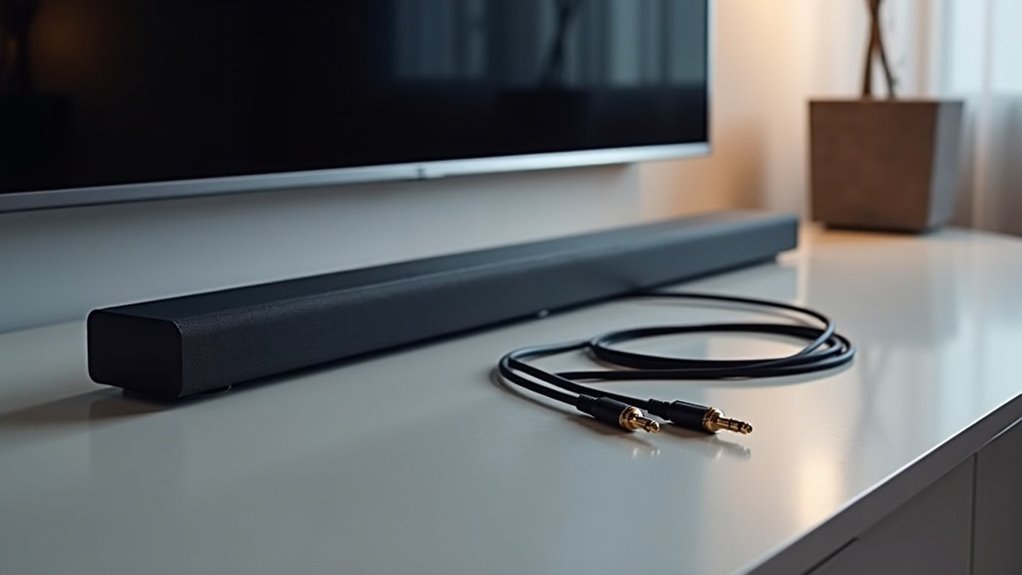
A soundbar doesn’t necessarily require an optical cable for optimal performance. While optical connections are dependable for audio formats such as Dolby Digital, HDMI cables typically deliver superior audio quality and support advanced formats like Dolby Atmos. Using HDMI simplifies your setup by transmitting both audio and video through a single cable, reducing clutter around your entertainment system. If your TV lacks optical outputs, you may encounter compatibility issues. Explore alternative connection options to ensure you achieve peak performance and get the most out of your soundbar setup.
Key Takeaways
- A soundbar does not necessarily need an optical cable, as HDMI is often preferred for better audio quality and advanced formats like Dolby Atmos.
- While optical cables can transmit digital audio, they do not support advanced audio formats, which may limit sound quality for modern soundbars.
- Some televisions may lack optical outputs, making HDMI connections more versatile and convenient for integrating soundbars.
- Direct connections from source devices to soundbars via HDMI can bypass TV audio output limitations, ensuring optimal sound performance.
- It is crucial to consider the compatibility of the soundbar with the available audio output options on the TV when choosing the right connection method.
The Basics of Audio Connections
When you’re setting up a soundbar, understanding the basics of audio connections is essential, especially since the right choice can greatly impact sound quality.
Optical cables transmit digital audio signals using fiber optic technology, ensuring resistance to electromagnetic interference for reliable sound. While they can handle audio formats like Dolby Digital, they’re limited to compressed audio.
In contrast, HDMI cables support uncompressed high-quality audio and simplify your setup by carrying both audio and video through a single connection. For modern soundbars, especially those utilizing advanced formats like Dolby Atmos, HDMI is generally the preferred choice over optical connections.
Understanding Optical Cables
Optical cables, often referred to as Toslink cables, are an important component in connecting soundbars for digital audio transmission.
Utilizing fiber optic technology, these cables minimize interference and maintain signal integrity, ensuring high audio quality for your sound system. When setting up your soundbar, optical audio connections are a reliable choice, capable of transmitting formats like Dolby Digital and DTS.
However, it’s crucial to remember that optical connections only handle audio, which means you’ll need separate video connections for a complete setup.
Optical connections transmit audio only, so separate video connections are necessary for a complete soundbar setup.
Additionally, while optical cables deliver excellent sound quality, they don’t support advanced audio formats like Dolby Atmos, which require HDMI connections. Being aware of these limitations will help you make informed decisions for your soundbar audio connection setup.
The Advantages of HDMI
While many users opt for optical cables to connect their soundbars, switching to HDMI offers several significant advantages that can enhance your soundbar experience.
HDMI cables transmit uncompressed audio, providing superior sound quality compared to optical connections, which is crucial for achieving the best audio performance from your soundbar. They support advanced formats like Dolby Atmos, which can elevate your home theater experience with immersive, three-dimensional sound.
With HDMI ARC (Audio Return Channel), a single cable simplifies your setup by transmitting both audio and video from your soundbar to your TV, reducing clutter and streamlining your connections.
Additionally, HDMI connections enable integrated control features like CEC (Consumer Electronics Control), allowing you to manage multiple devices using just one remote, making your soundbar even more user-friendly.
Compatibility Challenges
Though many soundbars rely on optical connections, compatibility challenges can arise due to varying audio output options on modern TVs.
For instance, some TVs, like the Samsung ln32d403, lack optical outputs, complicating soundbar connectivity. If your soundbar, such as the Bose Solo 5, specifically requires an optical connection, you’ll need to explore alternative methods or adapters to ensure seamless integration.
One effective solution is to directly connect source devices, like streaming boxes, to the soundbar, which can bypass these TV limitations and deliver better audio quality.
Always assess your TV’s audio output options, as certain models may support formats that facilitate soundbar connectivity without the need for optical cables, enhancing your overall sound experience.
Alternative Connection Solutions
Finding the right connection for your soundbar is essential when faced with compatibility issues. Consider options that enhance your home theater system’s performance. Direct HDMI connections to devices like Roku or Apple TV can significantly improve multi-channel audio quality. If your TV lacks optical output, an HDMI input selector with audio extraction can effectively manage multiple sources. Alternatively, you can use a speaker to line level converter for analog connections. Wireless options, including Bluetooth or Wi-Fi, provide the flexibility of a cable-free experience. Always assess compatibility to ensure optimal audio performance.
| Connection Type | Advantages | Considerations |
|---|---|---|
| HDMI | Supports multi-channel audio | Requires HDMI ports |
| Audio Extraction | Easily connects multiple sources | May need additional setup |
| Speaker to Line Level | Allows analog output | Limited to stereo sound |
| Wireless Options | Flexible, cable-free connection | Potential latency issues |







