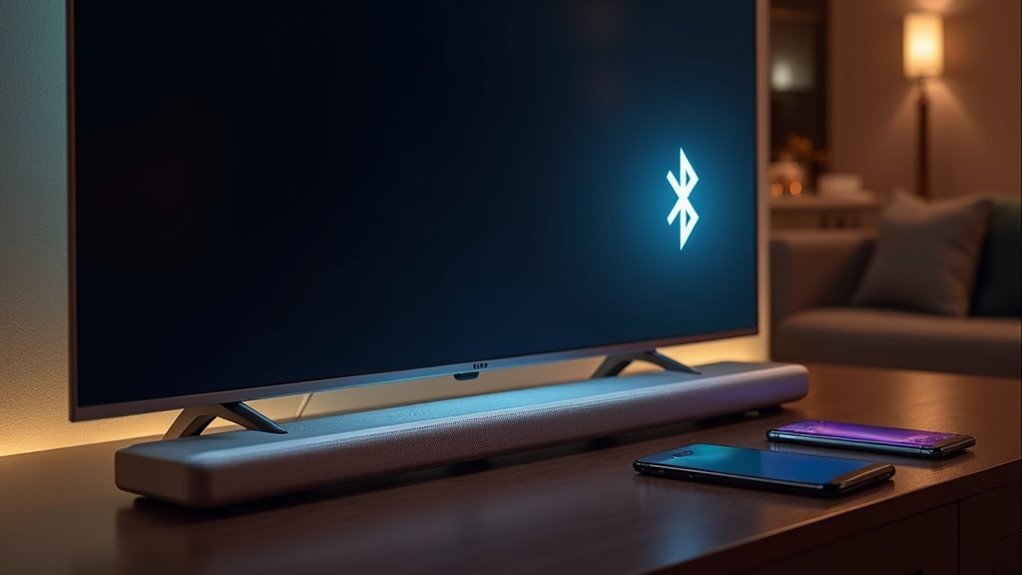
Yes, many soundbars support Bluetooth multipoint technology, enabling you to connect multiple audio devices simultaneously. To utilize this feature, ensure that both your soundbar and devices are compatible with the A2DP and HFP/HSP Bluetooth profiles. Keeping your soundbar’s firmware updated is essential for optimal performance. However, be aware that some soundbars may only allow connection to one device at a time, which could limit your overall experience. There’s plenty more to discover regarding this technology and its capabilities.
Key Takeaways
- Not all soundbars support Bluetooth Multipoint; it’s important to check the specifications for explicit capability.
- To utilize Bluetooth Multipoint features, soundbars must support A2DP and HFP/HSP profiles.
- While some soundbars may connect to multiple devices, they often cannot play audio from both at the same time.
- For optimal Bluetooth Multipoint functionality, firmware updates are essential, particularly for devices running Android 8 or later.
- Brands such as Samsung, Sony, and Bose offer soundbars with Bluetooth Multipoint, although compatibility can vary among models.
Understanding Bluetooth Multipoint Technology
When you connect your soundbar, understanding Bluetooth Multipoint technology can significantly enhance your audio experience.
This technology allows your soundbar to connect to multiple audio sources simultaneously, enabling seamless transitions between devices without the need to disconnect.
To take advantage of Bluetooth Multipoint, ensure that both your soundbar and the devices you wish to connect support the A2DP and HFP/HSP Bluetooth profiles.
Leading brands like Sony and Bose offer soundbar models that incorporate this feature, typically allowing connections to two devices at once.
Always check for compatibility before making a purchase, as support for Bluetooth Multipoint can vary widely among different soundbars, ensuring a reliable and efficient connection.
Key Requirements for Bluetooth Multipoint
To effectively utilize Bluetooth Multipoint technology with your soundbar, you need to confirm that it meets specific requirements.
Your soundbar must support A2DP and HFP/HSP profiles for seamless connections. Verify that your soundbar has the latest firmware, especially if you’re using Android version 8 or later.
Be mindful that not all soundbars support simultaneous connections; some may only allow pairing with one device at a time. Ensure that your soundbar explicitly lists Bluetooth Multipoint capability, as compatibility varies.
This way, you can confidently connect two smart devices simultaneously without compromising on performance or safety.
How to Utilize Bluetooth Multipoint
Utilizing Bluetooth Multipoint effectively allows you to manage audio from multiple devices seamlessly through your soundbar.
To start, confirm that your soundbar and connected devices support the required Bluetooth profiles, such as A2DP and HFP/HSP. Activation may vary; for instance, certain soundbars may require specific companion apps for setup.
Once paired, you can enjoy audio from two smart devices simultaneously, making transitions between calls and media effortless.
Always verify compatibility and functionality before purchasing soundbars with Bluetooth Multipoint capabilities to ensure they meet your audio management needs securely and efficiently. This guarantees a smooth experience without interruptions.
Soundbars With Bluetooth Multipoint Capability
While many soundbars enhance your audio experience, those equipped with Bluetooth Multipoint capability stand out by allowing you to connect multiple smart devices simultaneously.
For instance, the Samsung HW-S50B supports Bluetooth Multi-Connection, enabling seamless audio sharing between devices and enhancing versatility. However, when paired with a TV, it disconnects other devices, which limits true multipoint functionality.
Users enjoy improved sound quality, especially when upgrading from standard TV speakers. It’s crucial to manage connections based on your specific usage needs to maximize performance while ensuring safety.
This capability is particularly advantageous for Samsung Galaxy users seeking a richer audio experience.
Limitations of Bluetooth Multipoint in Soundbars
While Bluetooth Multipoint functionality in soundbars provides the convenience of connecting multiple devices, its limitations can impact the overall user experience.
Many soundbars, such as the Samsung HW-S50B, are unable to connect to both a TV and a smart device simultaneously, leading to disconnections. This restriction means that switching audio between multiple smart devices isn’t seamless, as connecting one device results in the disconnection of another.
Users often find these limitations to be a hassle, as they’re required to manage their connections instead of simply enjoying their audio. Additionally, navigating these restrictions may lead to a compromise in sound quality.
To make the most of Bluetooth Multipoint, it’s important to understand connection priorities, as certain device combinations may not function as intended.







