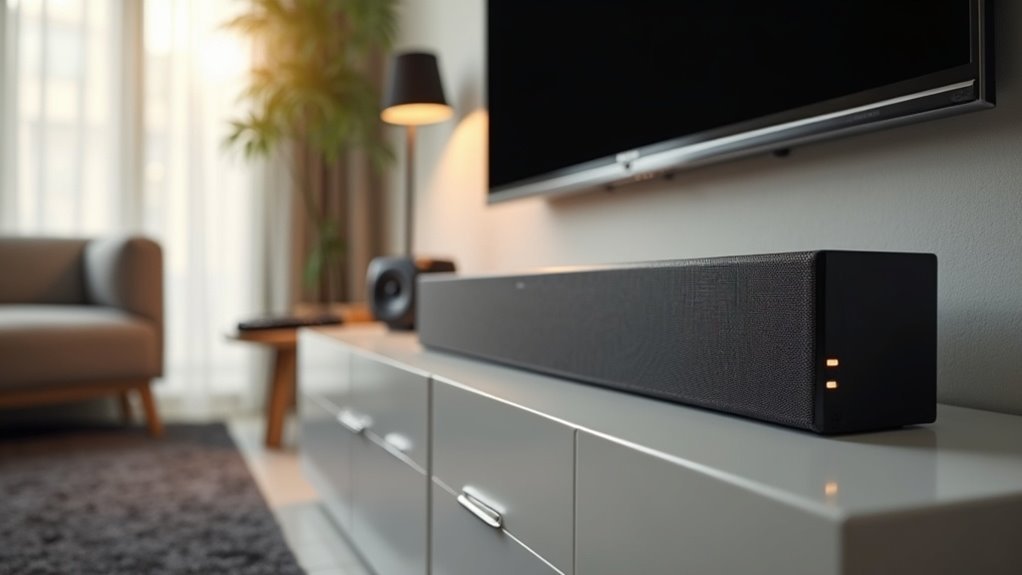
To test your soundbar’s upfiring speakers, connect to a compatible Dolby Atmos source and set your TV output to Passthrough or Bitstream. Position the soundbar at ear level beneath the TV, ensuring a clear path for sound reflections. Choose specific demo clips designed for height effects and adjust your audio settings for peak performance. Evaluate the sound experience by assessing sound movement and placement. For further tips on maximizing your test results with soundbars, continue your exploration here.
Key Takeaways
- Connect your soundbar to a Dolby Atmos source and set the audio output to Passthrough or Bitstream to ensure optimal testing performance.
- Position the soundbar at ear level, directly beneath your TV, to enhance sound reflections for a more immersive experience.
- Utilize demo clips specifically designed for Dolby Atmos to effectively evaluate the height channel effects of your soundbar.
- Verify that the ceiling is flat and within a height range of 2.4m to 3.6m to facilitate effective sound bounce for the upfiring speakers.
- Adjust the audio settings, including EQ and distance settings, to align with your room’s acoustics for improved soundbar performance.
Preparing Your Soundbar for Testing
To effectively prepare your soundbar for testing, start by ensuring it’s connected to a compatible Dolby Atmos source, such as a Blu-ray player or a streaming device that supports height channel formats.
Adjust your audio settings on the TV or player to Passthrough or Bitstream, selecting Dolby Atmos to activate height channels.
Position the soundbar directly beneath the TV, ensuring a clear path for sound reflections from the ceiling.
Ideally, use a flat, reflective ceiling between 2.4m and 3.6m high.
Finally, conduct your Dolby Atmos test using demo clips specifically designed for surround sound to accurately evaluate your soundbar’s performance.
Selecting the Right Atmos Content
Once your soundbar is set up and ready for evaluation, selecting the right content is essential for testing its Dolby Atmos capabilities. Choose soundbar-compatible content that supports Atmos or height channel formats to effectively activate your speakers. Utilize demo clips designed for height effects, and verify compatibility with your soundbar. Explore streaming platforms for their Dolby Atmos library, as some may require specific subscriptions. Testing films known for immersive sound design, especially during action sequences or atmospheric scenes, will further enhance your soundbar experience.
| Content Type | Example Titles |
|---|---|
| Movies | “A Quiet Place” |
| Demos | “Dolby Atmos Demo” |
| Series | “Stranger Things” |
Optimal Placement for Upfiring Speakers
Proper placement of soundbars is essential for achieving the best possible sound experience in your home theater setup.
Position your soundbar at ear level when seated, ideally just below your TV, to ensure optimal sound delivery. A flat wall is vital—avoid textured surfaces or obstructions that can disrupt audio clarity.
Aim the soundbar directly towards the seating area for precise audio direction, enhancing the overall soundstage.
Utilize a mirror or measurements to test placement relative to seating, and consider room acoustics for ideal performance, adjusting based on room size and layout for improved sound immersion.
Adjusting Audio Settings for Better Performance
Adjusting audio settings is essential for maximizing the performance of your soundbar, especially when it comes to upfiring speakers. To ensure you get the best sound experience, set your TV or player audio output to Passthrough or Bitstream, which will activate Dolby Atmos.
It’s important to select an audio mode on your soundbar that supports height channels; avoid using settings like Night Mode, as they can suppress sound quality.
Selecting an audio mode that supports height channels is crucial; avoid Night Mode to maintain sound quality.
Additionally, adjusting the distance settings in your AV receiver (AVR) to match the height of your ceiling will enhance the effectiveness of sound bounce.
Utilize test tones and Dolby Atmos demo clips to accurately calibrate your soundbar system. Regularly reviewing the equalizer (EQ) settings, especially in Movie Mode, can significantly enhance your surround sound experience and improve the performance of your upfiring speakers.
Evaluating the Sound Experience
After setting up your soundbar’s audio settings, it’s time to evaluate the sound experience it provides. Use Dolby Atmos demo clips to effectively hear the sound moving from ear-level to overhead, a feature that many modern soundbars offer. Check your soundbar placement; incorrect positioning can lead to direct sound rather than an immersive experience. Utilize an SPL meter for optimal placement, ensuring sound reflects off the walls and ceiling properly. Adjust your TV or audio settings to match your room’s acoustics. Test various content types, as non-Atmos media may limit your soundbar’s performance.
| Test Type | Purpose | Notes |
|---|---|---|
| Dolby Atmos | Assess height effects | Ideal for testing |
| SPL Meter | Enhance soundbar positioning | Use for accurate aiming |
| Various Content | Explore full soundbar potential | Non-Atmos may underperform |







