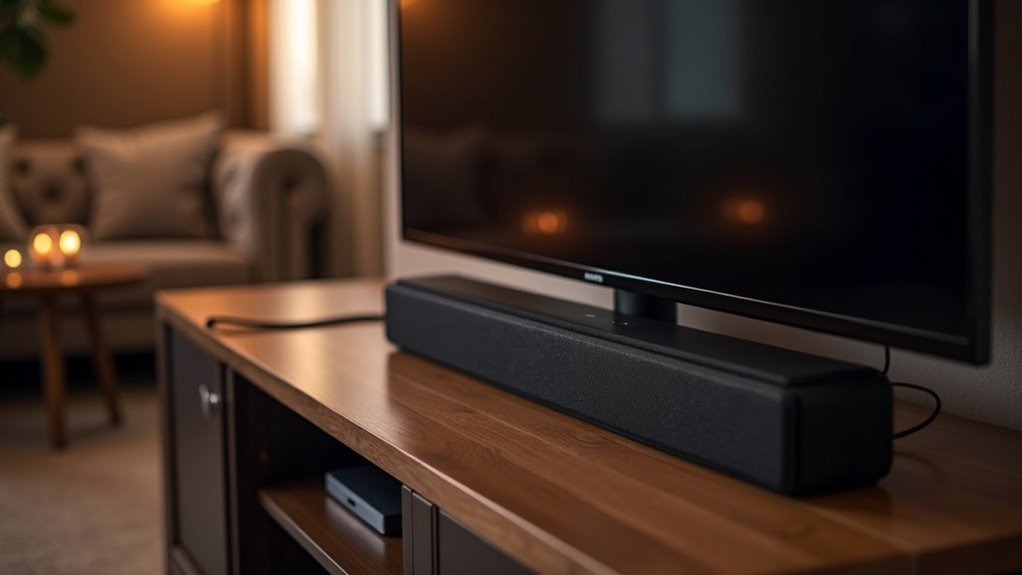
You should use HDMI pass-through with your soundbar when you want to simplify connections and enhance audio quality. This setup allows high-definition audio formats like Dolby Atmos to pass through with minimal clutter. Make certain your TV and soundbar support HDMI ARC or eARC for peak performance. Remember to set your TV’s audio output to external for proper routing. If you want to maximize your soundbar experience further, there are more tips you can explore.
Key Takeaways
- Use HDMI pass-through when connecting multiple devices to your soundbar to simplify your setup with a single cable connection for audio and video.
- Opt for pass-through if you want to transmit high-definition audio formats like Dolby Atmos for an enhanced sound experience with your soundbar.
- Activate pass-through when your soundbar and TV support HDMI ARC/eARC for optimal audio quality and seamless control over both devices.
- Select HDMI pass-through for gaming with your soundbar to benefit from high refresh rates and low latency, improving your overall gaming audio experience.
- Use pass-through when you want to reduce cable clutter by eliminating multiple analog audio connections in your soundbar setup.
Understanding HDMI Pass-Through
When connecting your devices to a soundbar, understanding HDMI pass-through is crucial for optimizing your audio experience.
HDMI pass-through enables high-quality audio formats like Dolby Atmos and DTS Master Audio to transmit through a single cable, simplifying your setup while enhancing sound quality.
HDMI pass-through allows high-quality audio formats to flow through one cable, streamlining your setup and elevating sound quality.
To achieve peak performance, ensure that both your source device and soundbar are compatible with this feature.
If you’re using HDMI ARC, remember to configure your TV’s audio settings to direct sound to the soundbar, ensuring effective audio passthrough.
Many modern soundbars, such as those from LG, excel in audio passthrough, delivering a seamless surround sound experience that perfectly complements your visuals.
Benefits of Using HDMI Pass-Through With Soundbars
Using HDMI pass-through with soundbars offers significant advantages that enhance both audio quality and user convenience. By utilizing a single cable connection, you simplify your setup while transmitting high-definition audio formats like Dolby True HD and DTS Master Audio, along with 1080p video signals.
This streamlined approach eliminates the clutter of multiple analog cables, resulting in a cleaner and more organized connection between your TV and soundbar. Soundbars equipped with HDMI ARC or eARC capabilities further elevate this experience, allowing for seamless audio extraction and control through one remote, making operation effortless.
For gamers, HDMI pass-through also supports high refresh rates and low latency, providing an exceptional audio and video experience that complements the immersive nature of gaming.
Compatibility Considerations for Soundbars
To ensure optimal performance when integrating a soundbar with your home entertainment system, it’s crucial to confirm compatibility between your TV, soundbar, and source devices.
Start by verifying that both your TV and soundbar support HDMI passthrough or HDMI ARC/eARC for seamless audio transmission. Additionally, check your source devices, such as Blu-ray players or gaming consoles, for HDMI passthrough support.
Verify that your TV and soundbar support HDMI passthrough or HDMI ARC/eARC for seamless audio connection, along with your source devices.
Keep in mind that not all soundbars can decode advanced audio formats, so it’s important to verify compatibility if you plan to use formats like Dolby Atmos.
Furthermore, using high-speed HDMI cables is recommended to handle high-bandwidth audio efficiently. Understanding your soundbar’s audio capabilities is essential for ensuring ideal functionality and safety.
Troubleshooting Common Issues
While setting up a soundbar can significantly enhance your audio experience, you might encounter common issues that disrupt playback. To troubleshoot effectively, consider these tips specific to soundbars:
- Verify that your source devices support HDMI passthrough, which is crucial for seamless audio transmission.
- Check if your soundbar is compatible with HDMI ARC or eARC, as this ensures optimal audio quality and easier connectivity.
- Set your TV speakers to ‘External’ to ensure the soundbar is used for audio output instead of the TV’s built-in speakers.
- Confirm that your HDMI cables meet the necessary specifications for high-bandwidth formats to fully utilize your soundbar’s capabilities.
- Consult user forums or the soundbar manufacturer’s website for real-world solutions and additional tips.
Addressing these points will help you optimize sound quality and minimize disruptions.
Best Practices for Setting Up Passthrough
After troubleshooting common issues with your soundbar setup, it’s time to focus on best practices for utilizing HDMI passthrough with your soundbar.
First, verify that your source devices, such as Blu-ray players and gaming consoles, support HDMI passthrough to deliver optimal audio performance.
Set your TV speakers to external output, ensuring that audio is routed through the soundbar instead of the built-in speakers.
For high bandwidth formats like Dolby Atmos, confirm that both your soundbar and TV support eARC, which guarantees the best audio quality.
Lastly, regularly check and update the firmware of your soundbar and TV to maintain compatibility with the latest HDMI features and audio formats, providing a seamless audio experience.







